Field Guides / Linux Troubleshooting for SREs
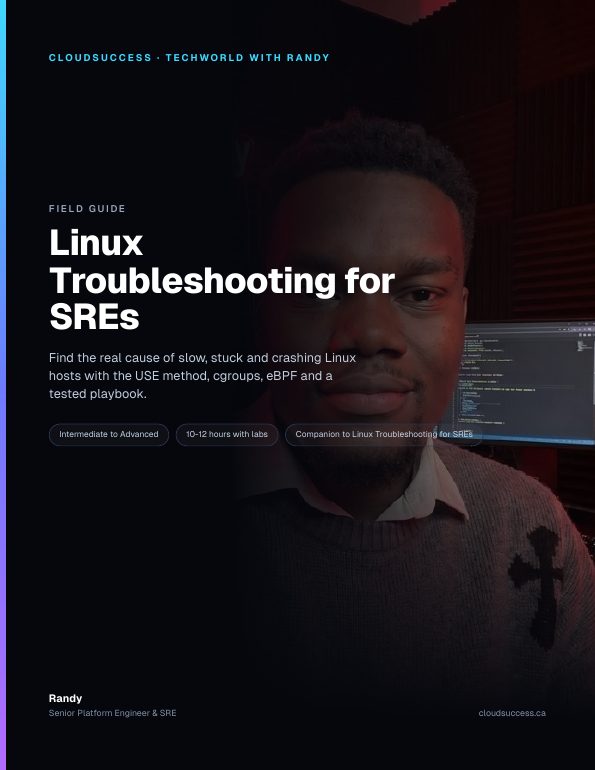
Field Guide · Intermediate to Advanced · 10-12 hours with labsLinux Troubleshooting for SREs
Find the real cause of slow, stuck and crashing Linux hosts and containers with the USE method, cgroup v2, eBPF and a tested playbook.
84
pages
pages
16
hands-on labs
hands-on labs
27
interview Q&As
interview Q&As
13
chapters
chapters
This is for you if
- You get paged for slow or flapping hosts, VMs or Kubernetes nodes and want a repeatable method
- You run containers and need to see throttling, OOM kills and network issues from the host
- You know the basic commands but not how to read what they're telling you
- You're preparing for SRE, platform or DevOps interviews with systems troubleshooting rounds
What's inside
- The USE method and Brendan Gregg's 60-second checklist, command by command, with what to look for
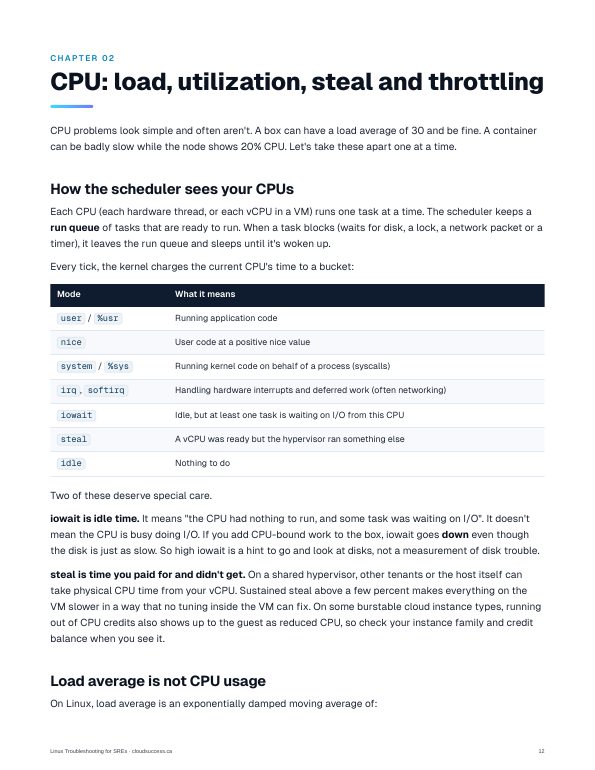
- CPU: load vs utilization, steal, softirq, and cgroup v2 CPU throttling read straight from cpu.stat
- Memory: page cache, why available memory is the number that matters, the OOM killer, memory.max vs memory.high, and PSI
- Disk: iostat done right, deleted-but-open files, inode exhaustion and I/O latency histograms
- Network: ss, conntrack overflows, TIME_WAIT and ephemeral ports, DNS, MTU black holes and tcpdump
- Processes and services: /proc, strace, lsof, zombies, D state, systemd, journalctl and file descriptor limits
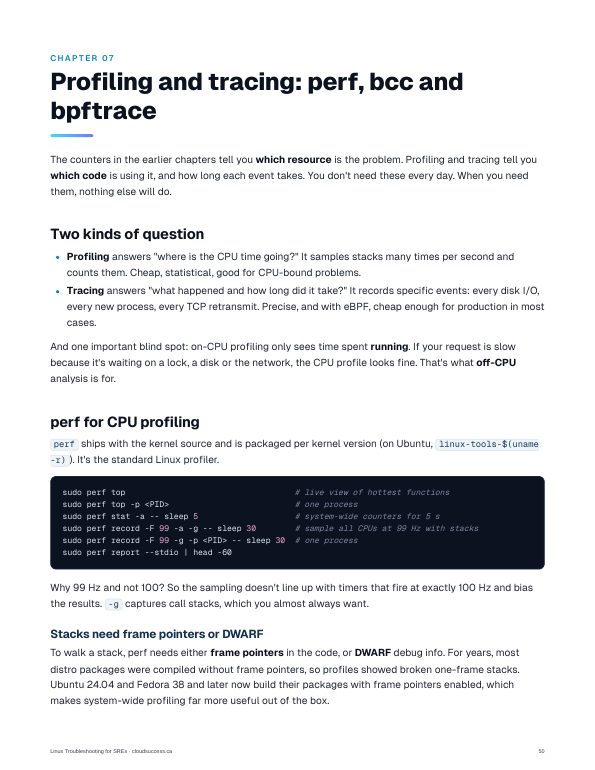
- Profiling with perf and flame graphs, plus the bcc and bpftrace tools worth knowing
- Containers from the host: namespaces, nsenter, crictl and kubectl debug
- A symptom-to-fix playbook with worked cases, production checklist, 27 interview Q&As, cheat sheet and a 30-day plan
After this guide you can
- Run a structured first pass on any Linux host in about a minute and name the limiting resource
- Tell CPU saturation, I/O stalls, memory pressure and cgroup throttling apart using kernel counters
- Recover full disks, file descriptor exhaustion, failed services and conntrack overflows safely
- Profile CPU hot spots and trace latency with perf, bcc and bpftrace
- Debug a shell-less container from the host with nsenter and crictl
- Answer senior-level Linux troubleshooting interview questions with reasoning, not trivia
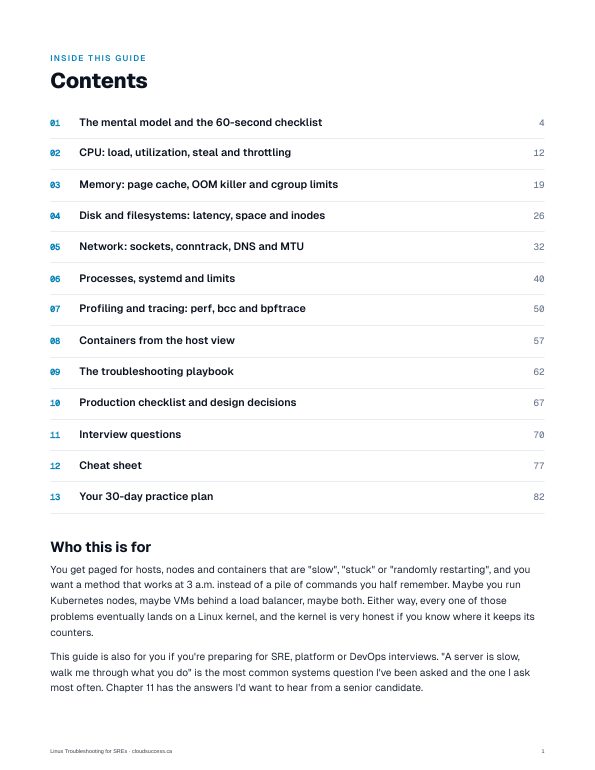
Contents
- The mental model and the 60-second checklistp. 4
- CPU: load, utilization, steal and throttlingp. 12
- Memory: page cache, OOM killer and cgroup limitsp. 19
- Disk and filesystems: latency, space and inodesp. 26
- Network: sockets, conntrack, DNS and MTUp. 32
- Processes, systemd and limitsp. 40
- Profiling and tracing: perf, bcc and bpftracep. 50
- Containers from the host viewp. 57
- The troubleshooting playbookp. 62
- Production checklist and design decisionsp. 67
- Interview questionsp. 70
- Cheat sheetp. 77
- Your 30-day practice planp. 82
Written by Randy, a Senior Platform Engineer & SRE who runs production platforms on AWS, GCP and Azure. Companion to the Techworld with Randy episode Linux Troubleshooting for SREs.