AI Integration for DevOps & SRE Engineers
A practical, role-specific playbook for using AI inside the job you already have — incident response, IaC, observability, automation, and capacity planning — with real prompts and clear guardrails.
What you get
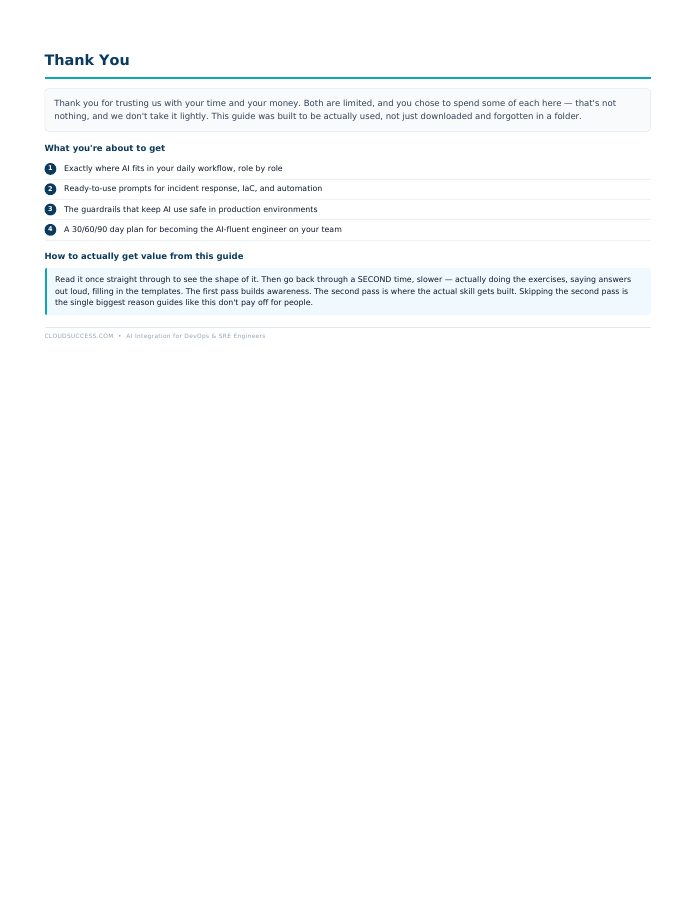
- Exactly where AI fits in your daily workflow, role by role
- Ready-to-use prompts for incident response, IaC, and automation
- The guardrails that keep AI use safe in production environments
- A real incident walkthrough, AI-assisted
- The tool landscape: what's actually worth using
- A 30/60/90 day plan for becoming the AI-fluent engineer on your team
What's inside
- Why This Matters Right Now, Not Eventually
- The AI-Augmented SRE Workflow, Mapped
- AI for Incident Response & Triage
- AI for Infrastructure as Code
- AI for Observability & Alert Noise Reduction
- AI for Automation & Scripting
- AI for Postmortems & Documentation
- AI for Capacity Planning & Cost Analysis (FinOps)
- The Tool Landscape: What's Actually Worth Using
- Guardrails: What NOT to Do
- A Real Incident Walkthrough, AI-Assisted
- Your 30/60/90 Day AI Integration Plan
A look inside: AI for Incident Response & Triage
PROMPT — LOG SUMMARIZATION: "Here are the last 500 lines of logs from [service] during an active incident: [paste logs]. Summarize the key anomalies, group repeated errors, and suggest 3 likely root cause hypotheses ranked by likelihood, with your reasoning for each."
PROMPT — FAST TRIAGE: "Given this alert: [paste alert details] and this recent change history: [paste recent deploys/changes], what's the most likely connection between them, and what's the fastest safe way to confirm or rule it out?"
Guardrail: never let AI's root cause hypothesis become the action you take without verification. Use it to narrow down WHERE to look fastest — not as a substitute for confirming the actual cause yourself.
AI Integration for DevOps & SRE Engineers
The full playbook for wiring Claude into the tools you already use — GitHub, AWS, Terraform, Notion, your calendar, even your meetings.